Cloud DMA
Hardware-isolated delivery
At a glance
Key capabilities
What Cloud DMA focuses on before you open the full module list.
Plus 2 additional modules in the operator portal—see the full list below.
Overview
Cloud DMA for Marvel Rivals
How this build fits ranked, Turbo, and patch-day workflows.
Cloud DMA delivers a hardware-isolated path for Marvel Rivals aimbot and ESP modules when your rig meets the compatibility requirements. Setup docs cover firmware, pairing, and conservative in-game profiles.
Use Cloud DMA when you want the DMA workflow—not a substitute for reading status and patch notes before every session.
When to choose Cloud DMA
Choose Cloud DMA when you already run—or plan to run—DMA hardware and want Marvel Rivals modules delivered through the cloud DMA stack and portal workflow.
Setup expectations
Follow firmware and pairing steps in the portal before enabling combat modules. Test with conservative profiles after every Marvel Rivals patch.
Modules
What's included
Every module and overlay shipped with Cloud DMA—toggle and tune in the operator portal.
- Cloud-hosted DMA stack
- Marvel Rivals module pairing
- Firmware update channel
- Hardware compatibility scan
- Portal setup walkthrough
- Operator support on Discord
Experience
In the client · After you buy
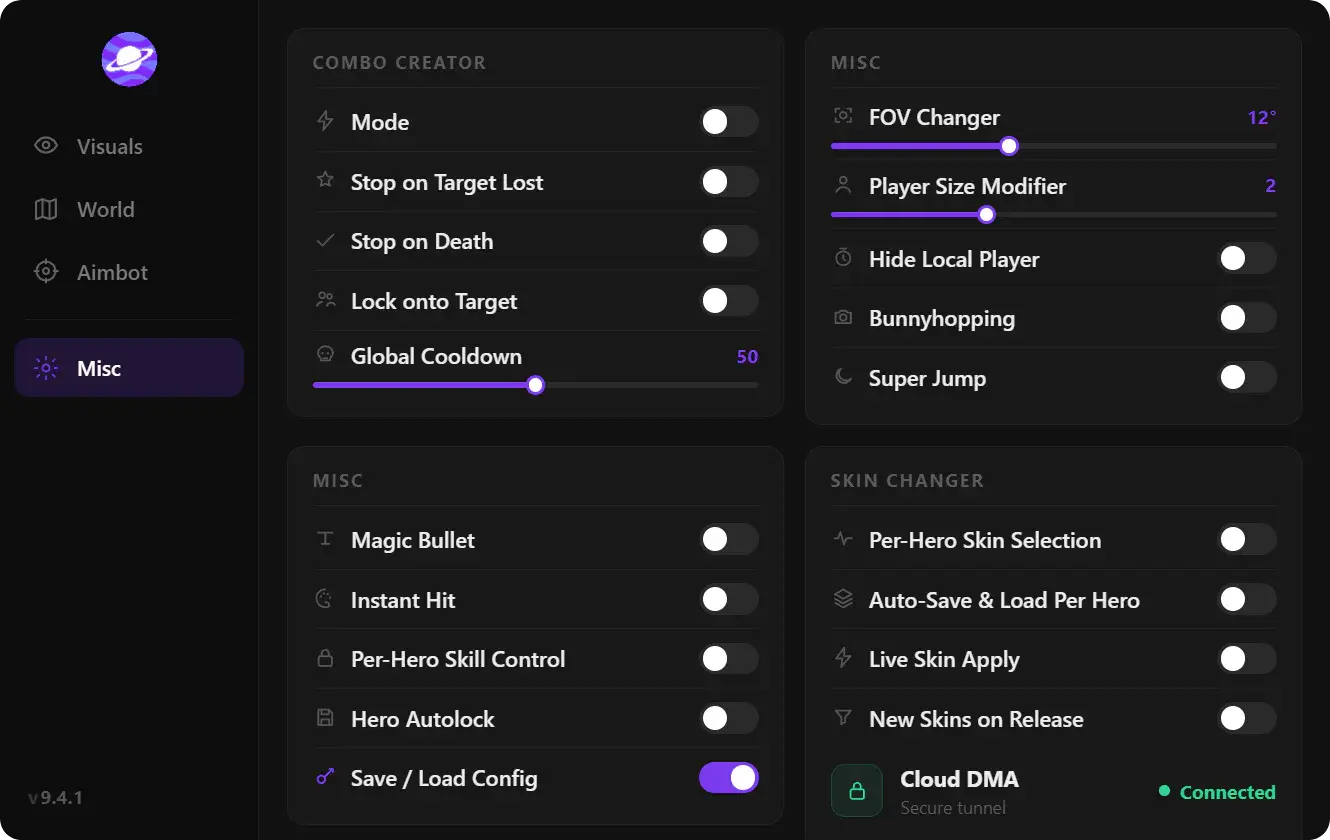
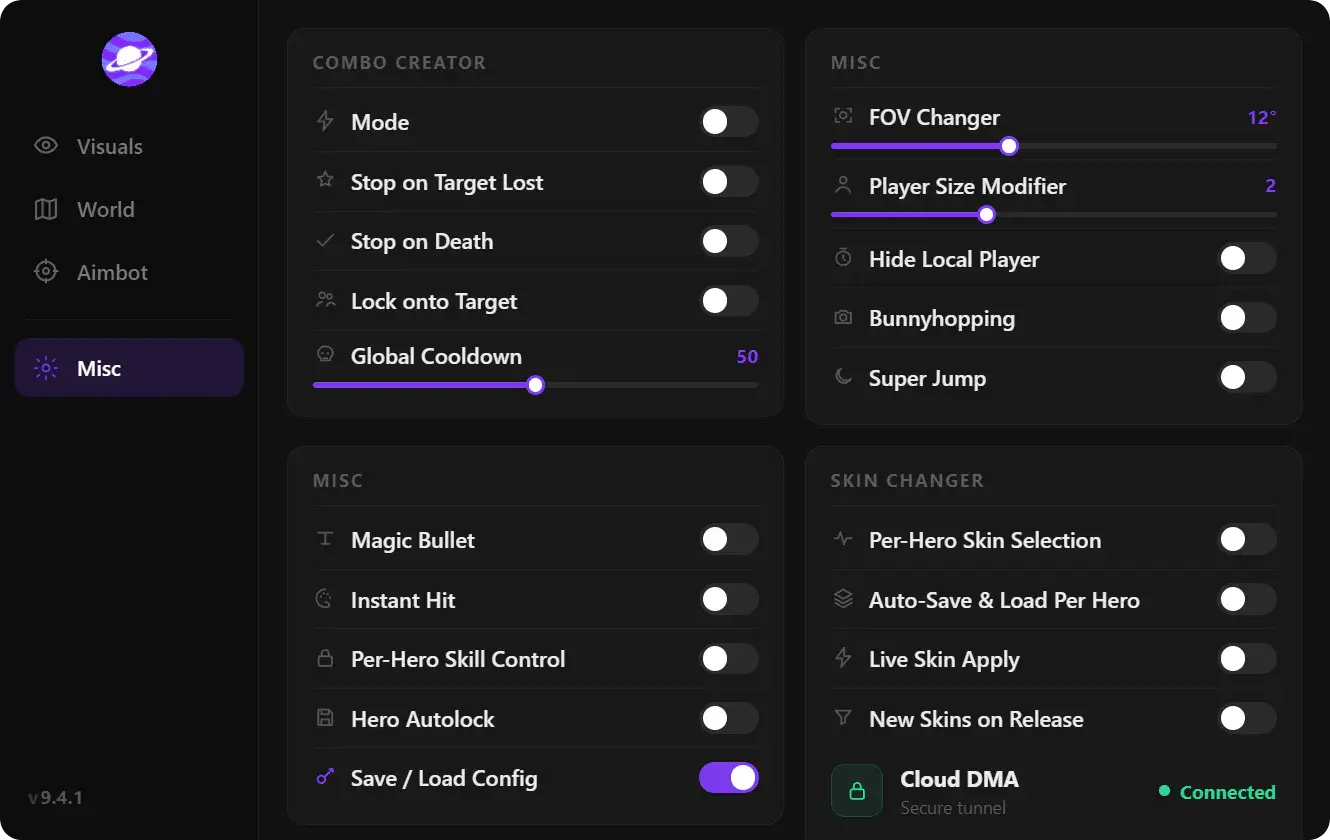
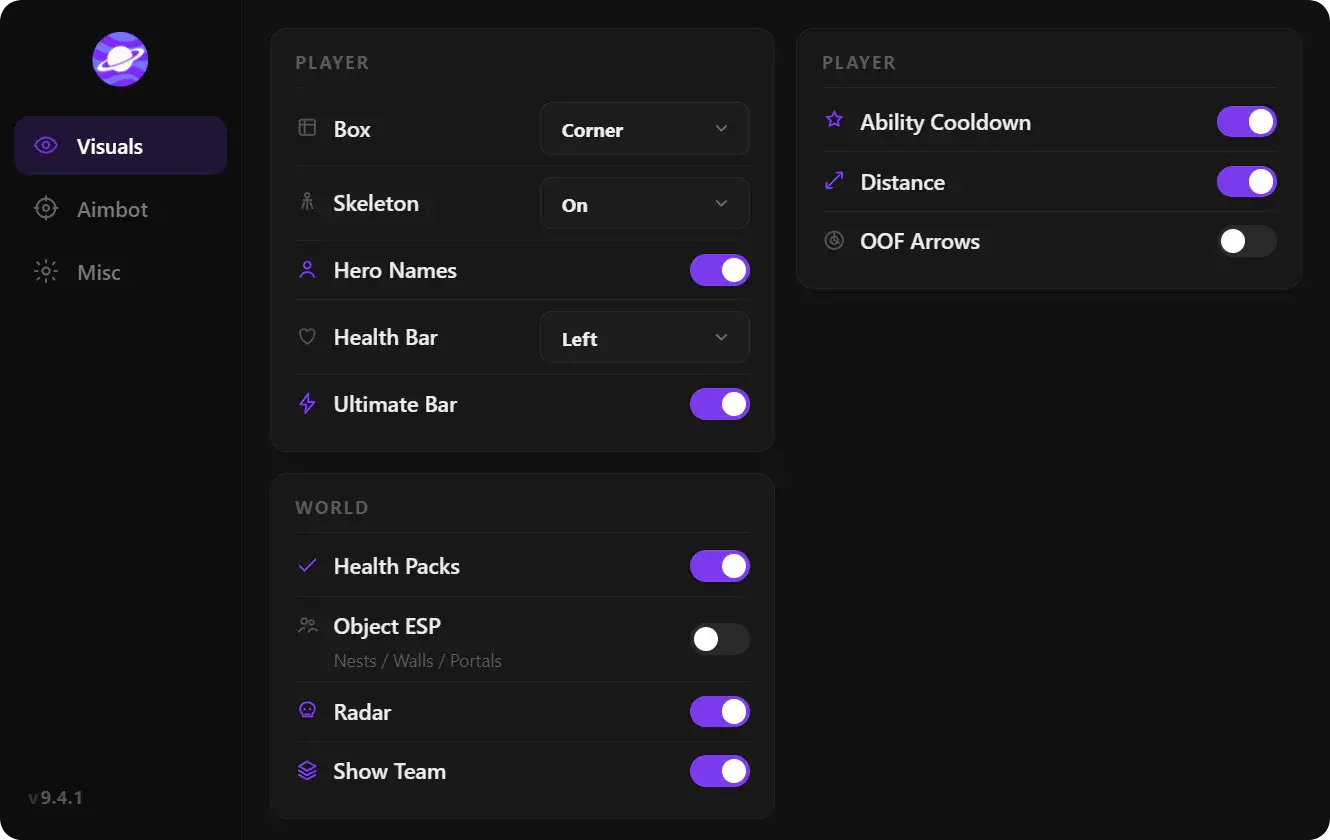
Use the screenshots above for Cloud DMA—below is what each layer means and how access works after checkout.
In-game layers
- Layer A
Radar & gameplay tools
Radar overlay, FOV tools, and misc combat options in one menu.
- Layer B
Hero ESP & visuals
Enemy boxes, health bars, ultimate charge and skeleton ESP during a team fight.
- Layer C
World & map ESP
Health packs, portals, and object ESP for stronger map awareness.
Guides
Learn more about Cloud DMA
Curated articles for setup, tuning, and patch-day checks that match this product.
Hardware checklist, portal pairing, and conservative profiles for Cloud DMA with Marvel Rivals modules.
Overview of Marvel Rivals cheats—aimbot, hero ESP, triggerbot, auto abilities, radar, skin changer, and Cloud DMA support.

Tune silent aim, bone selector, prediction, visibility checks, and dynamic FOV for Marvel Rivals aimbot settings.
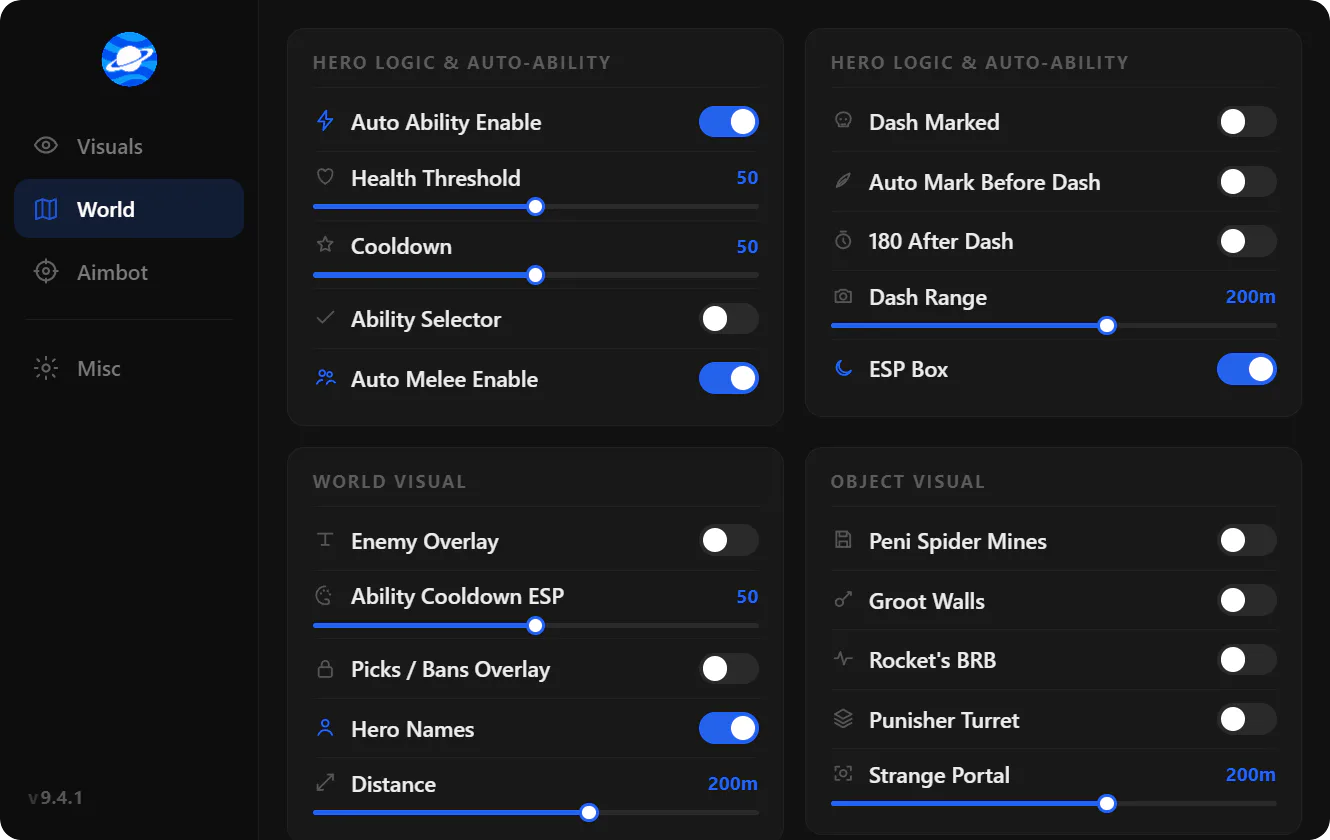
Configure hero ESP, skeleton lines, cooldown ESP, object tracking, and enemy overlay for Marvel Rivals.
Hotkey triggerbot, accuracy scale, prediction, and Hawkeye auto charge settings for Marvel Rivals.

Build hero combos with cast, hold, wait, dash, and mark steps in the Marvel Rivals combo creator.
FAQ
Questions about this page
Answers tied to what you are reading—visit the FAQ page for every topic.